
Stop renting software that almost fits.
Most small businesses pay every month for software built for someone else: a CRM with forty features you don't use and the one you need missing, a portal your customers hate, a desktop program nobody supports anymore. AI changed the math on custom software. I build the tool that fits how you actually work, in accounts you own, and the per-seat bills stop.
Included in the flat rate, starting at $499 a month. Big builds are worked in pieces across a few weeks.
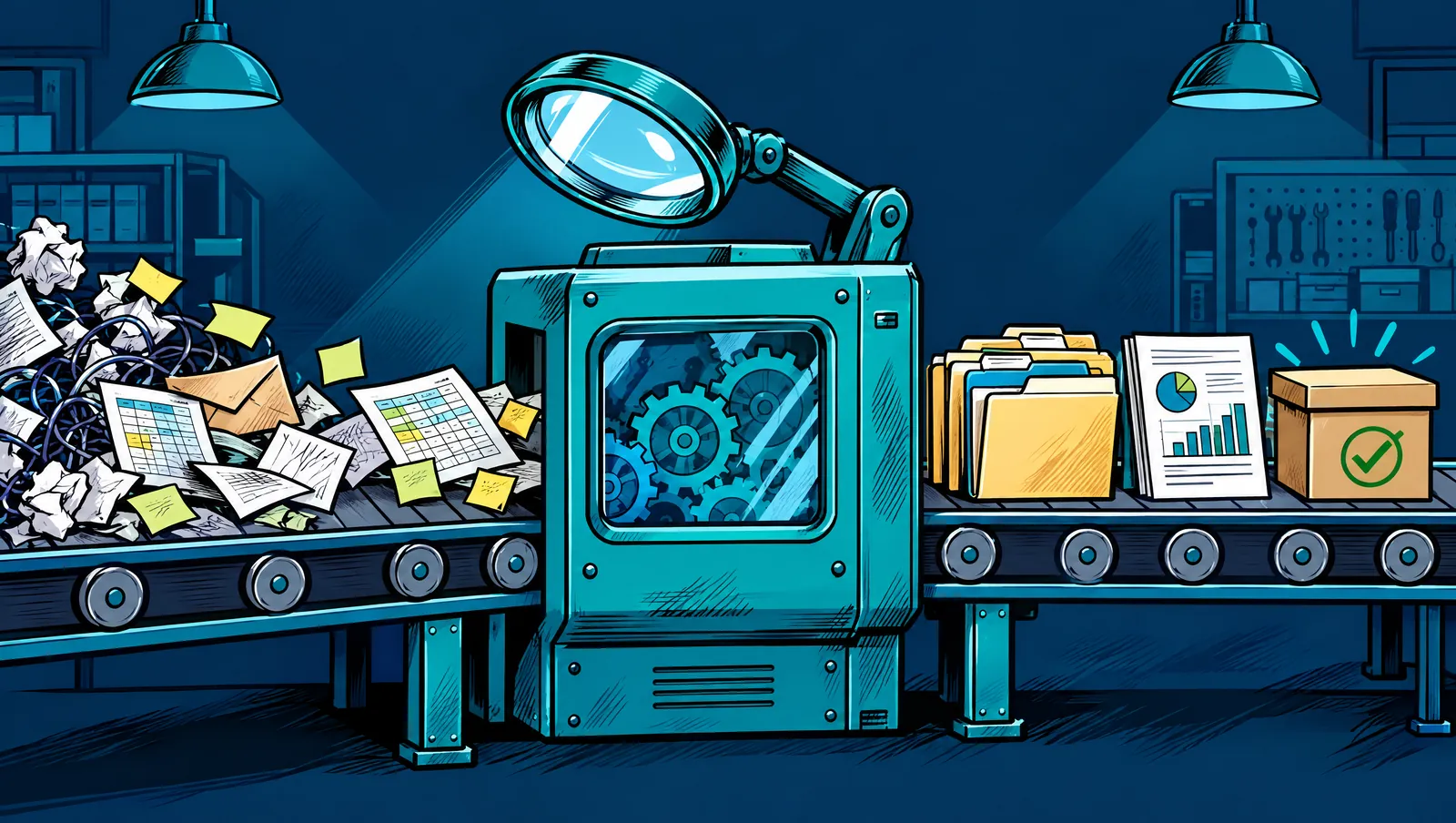
Custom used to mean expensive. It doesn't anymore.
Five years ago, a custom CRM or customer portal meant a development agency, a five-figure quote and months of waiting. That's why everyone settled for off-the-shelf software and worked around it.
AI building tools changed that. The kind of internal tool that used to take a team months can now be built in days or weeks, and changed in an afternoon when your process changes. The hard part isn't the code anymore. It's knowing exactly what the tool should do, building it to match how your team really works, and keeping it reliable. That's the part I bring.
I wrote about one of these builds in detail: how we built a $300-a-month SaaS replacement in an afternoon.
Tools that replace the subscriptions you've outgrown
Custom CRMs
A CRM with your stages, your fields and your follow-ups, nothing else. Often replaces a pricey CRM plus the add-ons bolted onto it.
CRM cleanup and rebuilds →Customer portals
Order entry, file uploads, status tracking and invoices in one place your customers can actually use.
Business process automation →Internal hubs and training platforms
SOPs, training modules, quizzes, document signing and company resources in one hub with role-based access.
SOPs and training →Estimators and calculators
Quote builders for your team, and cost calculators on your website that turn visitors into leads.
Content production →Dashboards and reporting tools
Your numbers from every system in one view, with the filters and reports you actually need.
Reporting and dashboards →Trackers and workflow tools
Job trackers, approval flows, inventory lists and logs that replace the spreadsheet everyone is afraid to touch.
Business process automation →When custom beats off-the-shelf (and when it doesn't)
Not everything should be custom. Here's how I decide with you.
| Situation | My usual recommendation |
|---|---|
| Accounting, payroll, payments, email | Keep the established product. These need to be boringly reliable, and the good ones are worth paying for. |
| A tool you use 10% of, paying for 100% | Strong candidate to replace with something smaller that fits |
| Several apps stitched together to do one job | Strong candidate to combine into one owned tool |
| Desktop software that's outdated or unsupported | Replace before it fails, keeping any integrations you can't lose |
| Per-seat pricing that grows every time you hire | Worth running the numbers on an owned tool |
| A tool that works fine and the team likes | Leave it alone. Connect it instead of replacing it. |
What this looks like for real businesses
A multi-location fire protection contractor had training spread across binders, PDFs and senior employees, plus a separate subscription for signing documents. I built them an internal hub: role-based access for staff, managers and admins, onboarding tracks by department, dozens of training modules with quizzes, recorded job-setup walkthroughs, an in-app document signing area in place of the separate e-signature tool, and an AI workflow so their own team can turn a new document into a training module.
A print and photo business is replacing older desktop software for customer orders and back-office work with one web-based portal and admin side, keeping the payment setup its customers already rely on.
A home improvement company running two brands got a custom view on top of its CRM to see workflows and contacts in one place, while moving onto one system instead of paying for two.
How a build works
Map the job, not the software
We start with what your team does, step by step, and what the current tool gets wrong. I'll tell you honestly if a build isn't worth it.
Build the smallest useful version
The first version does the core job well. Your team uses it for real within days or a couple of weeks, not months.
Move your data and run both side by side
Your data comes over, and the old tool stays on until the new one has proven itself. Nobody gets stranded.
Cancel the old subscription
When the new tool is doing the job, the old bill goes away. Changes after that are just items on your weekly list.
What to know before you replace anything
- Hosting isn't free. Your tool runs in hosting and database accounts in your name. For most small business tools those costs are small, but they're real, and you pay them directly. We'll look at them before we build.
- Some software should stay. Accounting, payroll and payment processing are worth paying established vendors for. I'll connect to them instead of replacing them.
- Big builds take a few weeks. The flat rate covers it, but a full customer portal gets built in pieces across several weeks of your list, not overnight.
- Custom means someone has to care for it. While we work together, that's me. If we stop, you own the code and the data, and any developer can pick it up. It's documented for exactly that reason.
- Migrations have edge cases. Old data is always messier than expected. We test with real records before anything switches over.
Questions about custom tools
Do I really own it?
Yes. The code, the database and the accounts are in your name from day one. If we stop working together, everything stays with you.
Is a custom tool priced separately?
No. Builds are items on your list, covered by the same flat monthly rate, starting at $499 a month. Your own hosting costs are separate and usually small.
What do you build with?
Modern AI-assisted building tools, with Supabase for the database and n8n for workflows, plus direct connections to the tools you keep. Everything is standard enough that another developer could take it over.
How do I know if replacing a subscription is worth it?
Start with the SaaS cut sheet and the AI cost calculator. Then bring the subscriptions you're questioning to a call and we'll run the numbers together.
Available across St. Louis
Builds happen remotely and live in your accounts, so where you are doesn't matter. See the areas I serve.
What are you paying for that almost fits?
Book a call and bring your list of subscriptions. We'll figure out which ones to keep, which to connect, and which to replace. Or call my AI agent at (314) 970-4001 any time.