

Nobody sends you a bill for copy and paste. That's the problem. The cost of manual data entry hides inside payroll, so it never shows up as a line item you can question. It just looks like "the office is busy."
Here's a typical Monday at a small business. A quote gets signed in one app. Someone retypes the customer into the CRM. Then into the project board. Then into QuickBooks when the deposit comes in. Four entries, one customer. Multiply that across every customer, every invoice and every form submission, and you have a tax you are paying in hours instead of dollars.
I call it the copy-paste tax. This post shows you how to put a real number on it in about five minutes, and what to do once you see the number.
Why the cost of manual data entry stays invisible
Owners track the bills they can see. Rent, insurance, software, payroll. Re-typing data doesn't get its own bill, so it never gets questioned. It gets absorbed.
A few reasons it slips past:
- It's spread thin. Nobody spends all day on it. It's ten minutes here, twenty there, scattered across everyone.
- It feels like work. Someone typing looks productive. It is activity, not output.
- It's done by your best people. The person who knows where everything lives usually ends up doing the moving.
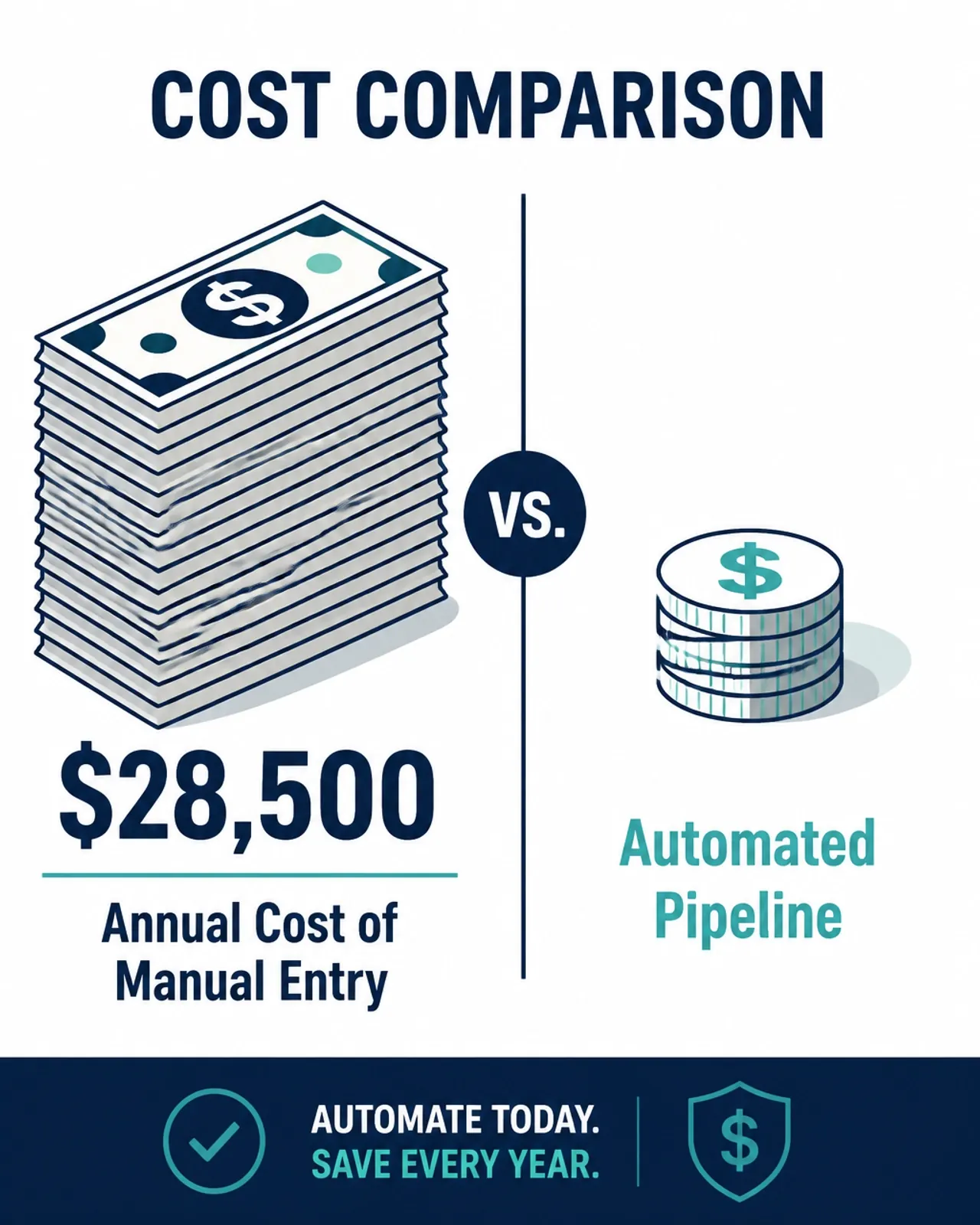
There is outside data on this. A 2025 >survey of 500 U.S. professionals by Parseur and QuestionPro found people spend more than nine hours a week moving data out of emails, PDFs, spreadsheets and scans, and estimated the cost at about $28,500 per employee per year. About half of respondents said manual entry leads to costly errors. That's a national survey across company sizes, so treat it as a sanity check, not your number. Your number comes from the worksheet below.
The copy-paste tax formula
Here's the whole formula:
Weekly hours spent re-typing × loaded hourly cost × 52 = your annual copy-paste tax
"Loaded" means wage plus the extras: payroll taxes, benefits, PTO. If you don't know your loaded cost, a rough shortcut is to add a chunk on top of the hourly wage. Close enough beats not counting at all.
Picture a hypothetical eight-person contractor. The office manager spends about five hours a week retyping quotes and invoices. Two project managers each spend about three hours a week updating the job board and texting photos into a shared folder. That's eleven hours a week. At a $35 loaded hourly cost, that's $385 a week, or $20,020 a year. For one office. On work that already existed in a computer somewhere.
Your numbers will be different. Do the math anyway. It changes the conversation from "automation would be nice" to "that's a salary."
Worksheet: find your copy-paste tax this week
Print this or copy it into a note. Do it for each person who touches admin.
- List every place information enters your business. Website form, email, phone call, signed quote, supplier invoice, timesheet.
- Follow each one. Where does it get typed next? And after that? Write every hop.
- Count the hops. Anything typed more than once is a candidate. Three or more hops is a priority.
- Ask the person doing it. "How long does this take you in a normal week?" They know. Don't guess for them.
- Run the formula. Hours × loaded cost × 52.
- Circle the biggest number. That's where you start. Not the most annoying task. The most expensive one.
Most owners finish this and find two or three workflows eating the majority of the hours. That's good news. It means you don't need to fix everything.
Where the copy-paste tax usually hides
In my experience, the same handful of spots show up again and again:
- Lead intake. Form or email comes in, someone copies it into the CRM, then sends a follow-up by hand.
- Quotes to jobs. A signed quote gets rebuilt as a project, a schedule entry and an invoice.
- Supplier invoices. PDFs in an inbox, keyed into accounting line by line.
- Reporting. Someone pulls numbers from three or four apps into a spreadsheet every Friday.
- Customer notes. Call details live in someone's head or a notebook until they get retyped, if they do.

Why hiring another admin won't fix it
When the office gets buried, the instinct is to hire. I get it. But if the process is broken, a new hire inherits the broken process. You add a salary, another hand-off and another person who has to learn where everything lives. The tax goes up, not down.
The fix is pipes, not people. When data comes in once, it should flow to every place it needs to go without anyone retyping it. A person still reviews the odd cases. They just stop being the glue.
If part of the problem is a pile of tools that don't talk to each other, read the funeral math on unused software subscriptions before you buy anything new. And if copy-paste is only one of your process headaches, these seven manual process mistakes cover the rest.
How I'd approach this
I start with the biggest number from that worksheet. One workflow. I map it with the person who actually does it, then connect the tools you already pay for so data moves on its own. That's usually n8n for the workflow, with Claude or ChatGPT reading the messy stuff like emails and PDFs. Anything that looks off goes to a person for a quick check.
Then I train your team on it, make sure it holds up for a few weeks, and move to the next one. That's the first 30 days of how I work. Lead intake, invoice processing and reporting are some of the most common ops and admin automations I build. I don't rip out your software, and anything I build, you own.
Frequently asked questions
How much does manual data entry cost a small business?
There's no universal number. A 2025 Parseur and QuestionPro survey of 500 U.S. professionals put it at about $28,500 per employee per year, but your figure depends on wages and habits. Use the formula: weekly hours of re-typing, times loaded hourly cost, times 52. Do it per person, then add it up.
What counts as manual data entry?
Any time a person reads information in one place and types it into another. Copying a lead from an email into the CRM, keying an invoice into accounting, retyping a signed quote into a project board, building a report by pulling numbers from three apps. If the information already exists digitally somewhere, re-typing it is the tax.
Will automating data entry replace my admin staff?
That's not the goal, and it's rarely what happens in a small business. Your admin person usually has a backlog of real work they never get to: customer follow-up, scheduling, collections, cleanup. Automation takes the re-typing off their plate so they can do that work. They also become the person who reviews exceptions, which is a better job.
Do I need new software to automate data entry?
Usually not. Most of the tools small businesses already pay for can send and receive data. I connect them with workflows, usually in n8n, and add AI to read messy inputs like emails and PDFs. New software only makes sense when nothing you own fits the job, and anything I build, you own.
Bring me your biggest number
Run the worksheet. Then bring me the workflow with the biggest number. In 30 minutes I'll tell you whether it's worth automating and roughly how I'd do it. No pitch, no slides. Book a time here.